
How do I buy at the counter?
Scan the QR poster at the counter, wait for your turn, pick your seats in 5 minutes, then pay at the counter with your 4-digit code.
Quick steps
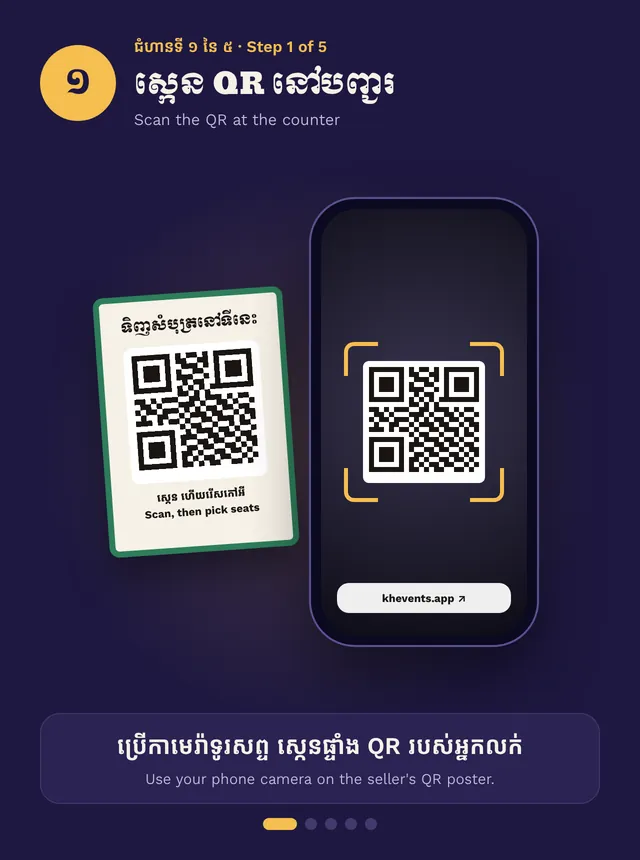
- Scan the QR poster at the counter
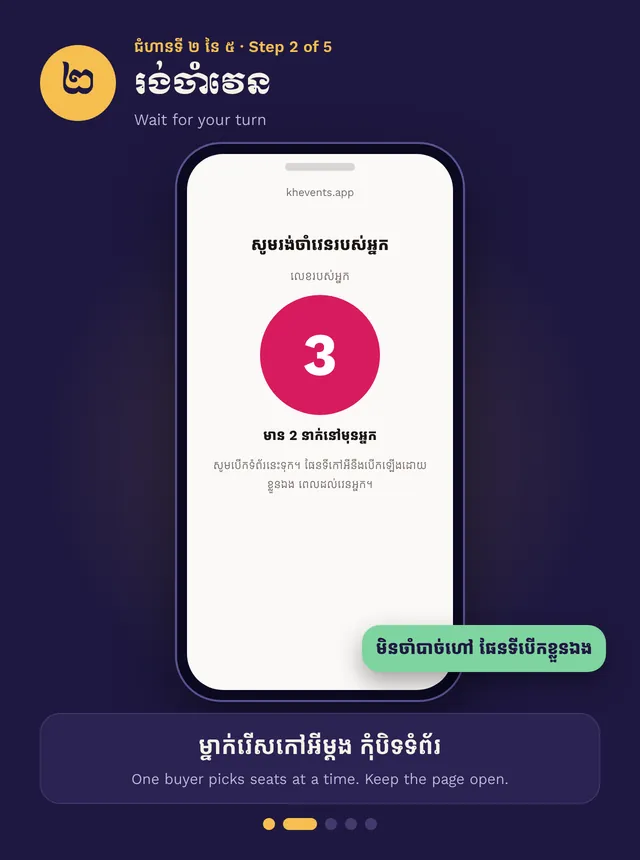
- Keep the page open until it is your turn
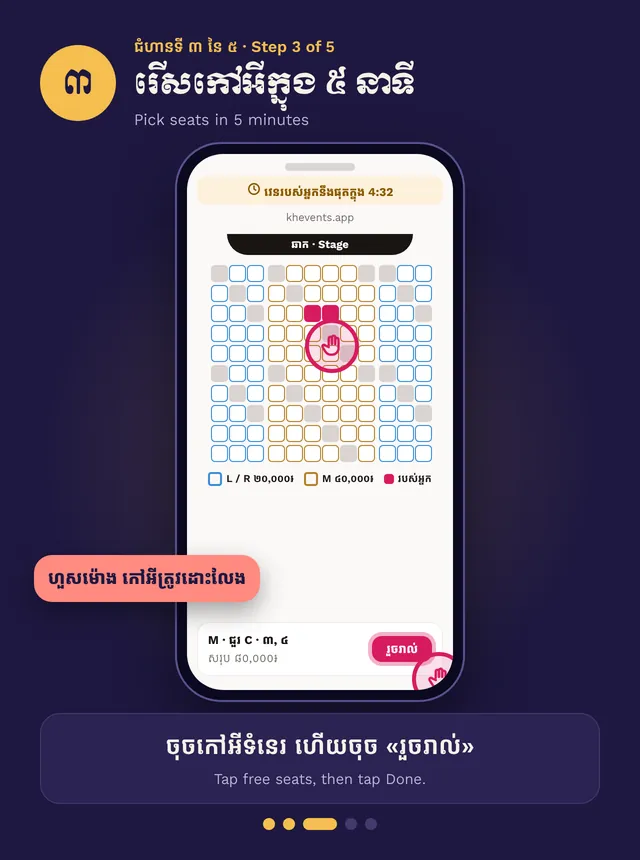
- Pick seats within 5 minutes and tap Done
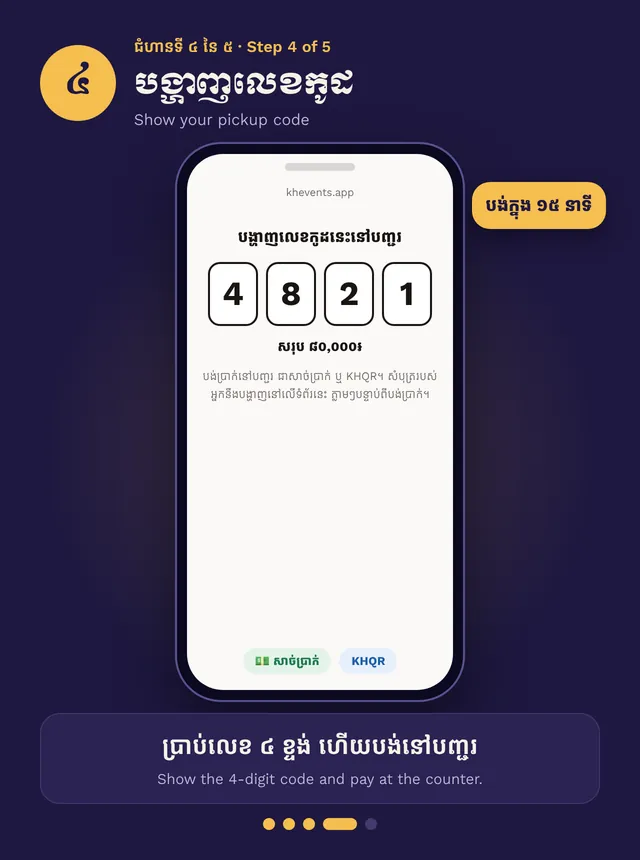
- Show your 4-digit code and pay
Step by step, in pictures
Buy at the counter with the QR line · Swipe for the next step. Tap a picture to open it big.
Join the line
Point your phone camera at the seller’s QR poster and open the link. You don’t need an account.
Wait for your turn
Only one person picks seats at a time, so nobody can take seats while you choose. The page shows your number. Keep it open. The seat map opens by itself when it is your turn.
Pick your seats
You have 5 minutes. Tap free seats, then tap Done. If time runs out, the seats go back. Scan the poster again to rejoin.
Pay
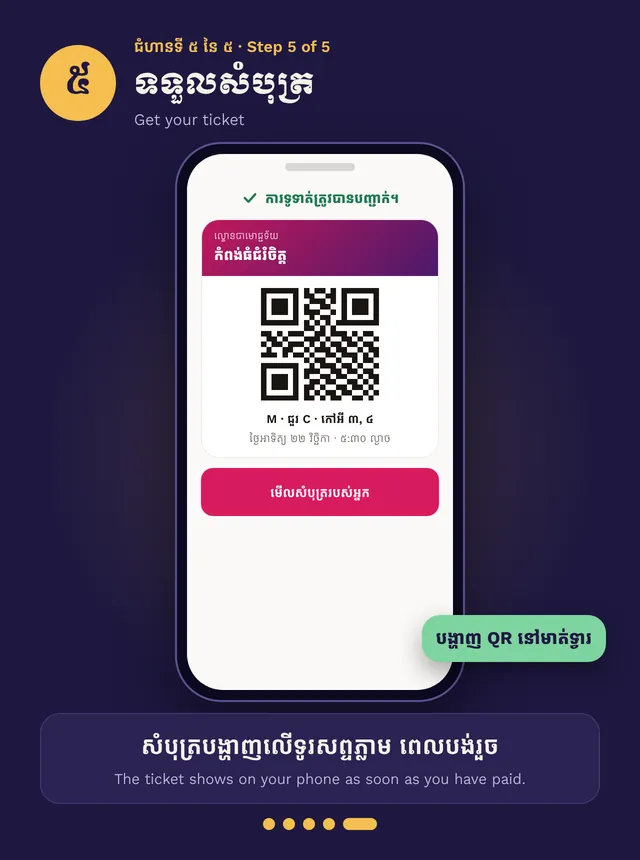
You get a 4-digit pickup code. Show it at the counter and pay with cash or KHQR. Your ticket shows on your phone as soon as the seller confirms the payment.