
Selling with your team
Let sellers sell by Telegram link and at the counter. Turn on staff sales, open tickets to sellers, add sellers as Cashier, then share links.
Quick steps
- Event Settings: turn on Staff ticket sales
- Turn on the Box office channel in every seat zone
- Team: invite sellers with the Cashier role
- Share Telegram links and print the counter QR poster
- Practice one sale in the test copy
Step by step, in pictures
Sell with your team · Swipe for the next step. Tap a picture to open it big.
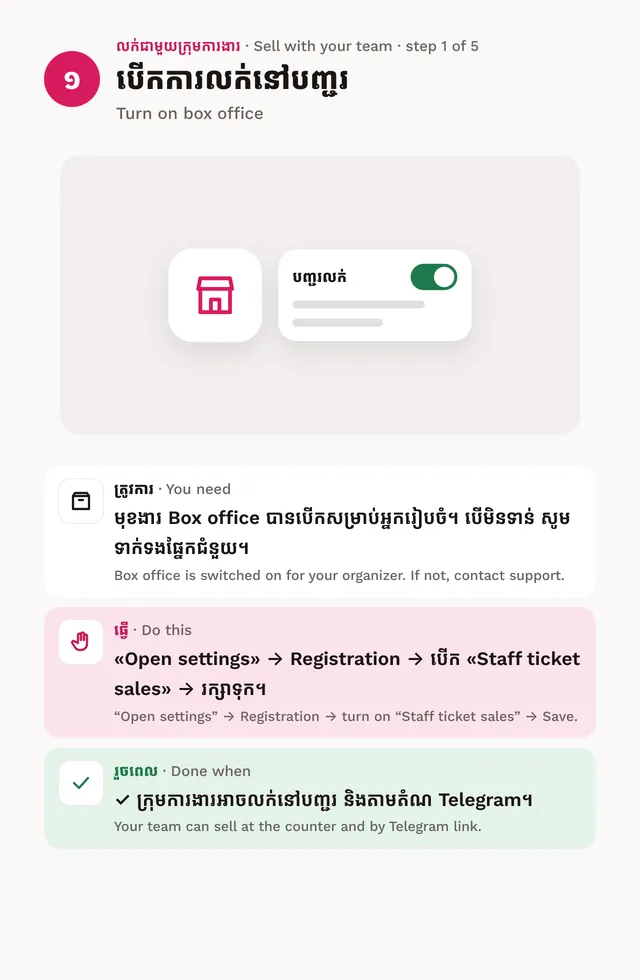
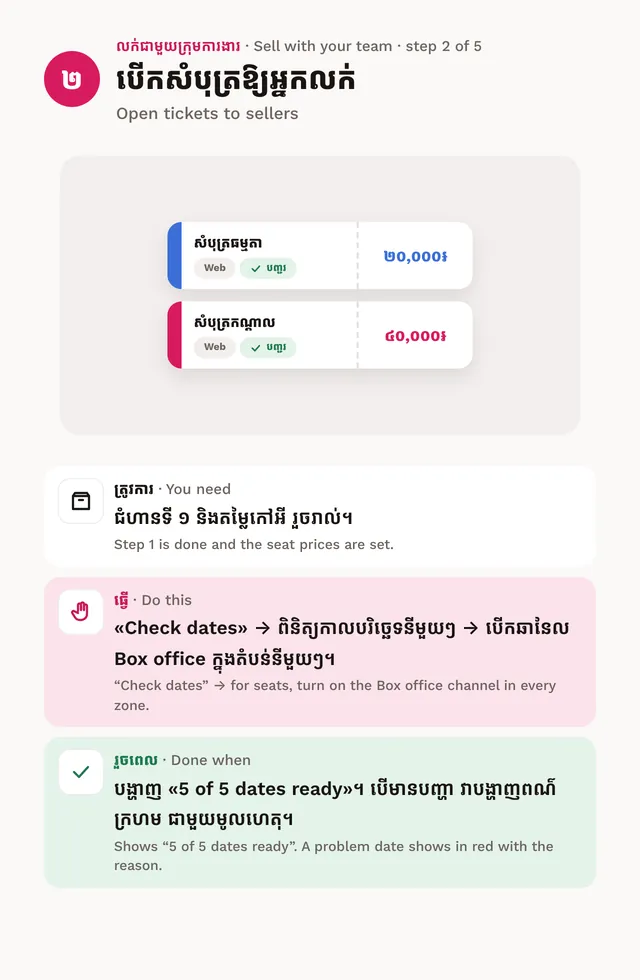
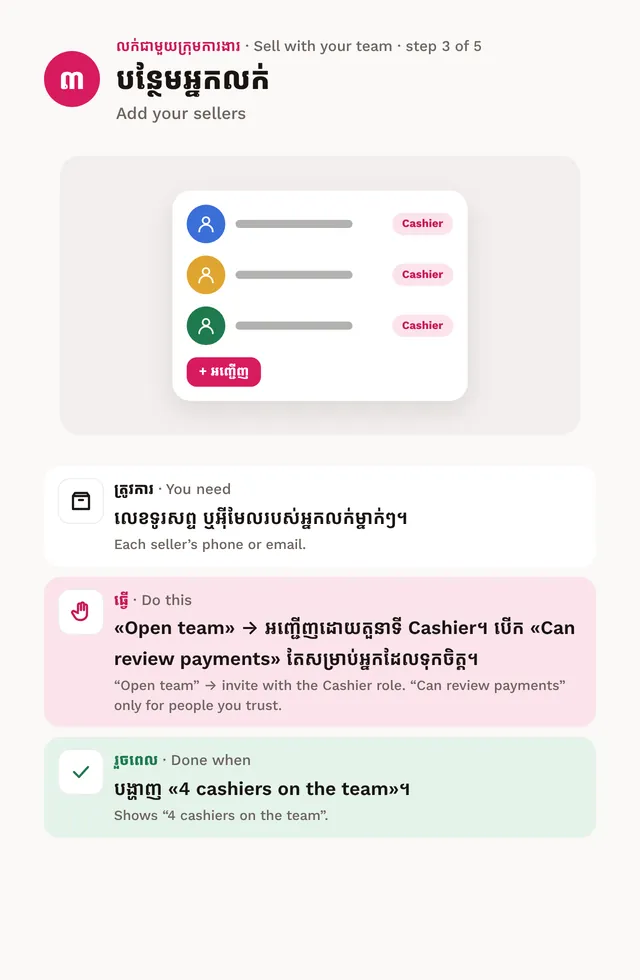
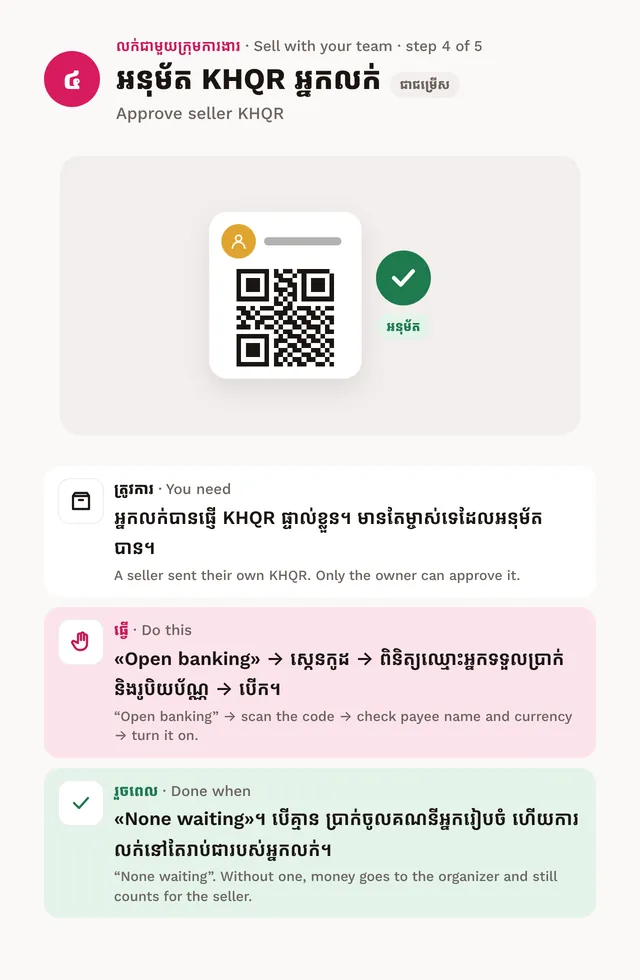
Do this after your event is on sale. Open the event: the Setup guide has a Sell with your team track with these steps.
- Turn on box office. Tap Open settings, then under Registration turn on Staff ticket sales and save. If it says unavailable, email support@khevents.app.
- Open tickets to sellers. Tap Check dates. For seated halls, turn on the Box office channel in every zone. A date with a problem shows in red with the reason.
- Add your sellers. Tap Open team and invite each seller with the Cashier role. See team roles.
- Seller KHQR (optional). A seller can send their own KHQR. The owner checks the name and turns it on. Without one, Telegram buyers pay the organizer’s account, and the sale still counts for the seller.
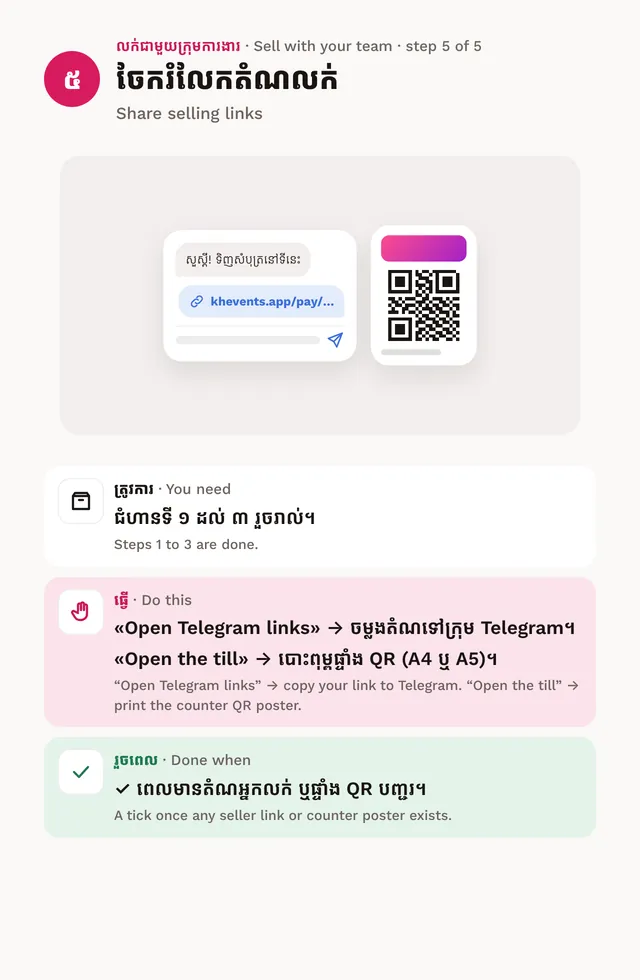
- Share selling links. Tap Open Telegram links to copy a share link. For the counter, tap Open the till and print the QR poster (A4 or A5).
Practice first
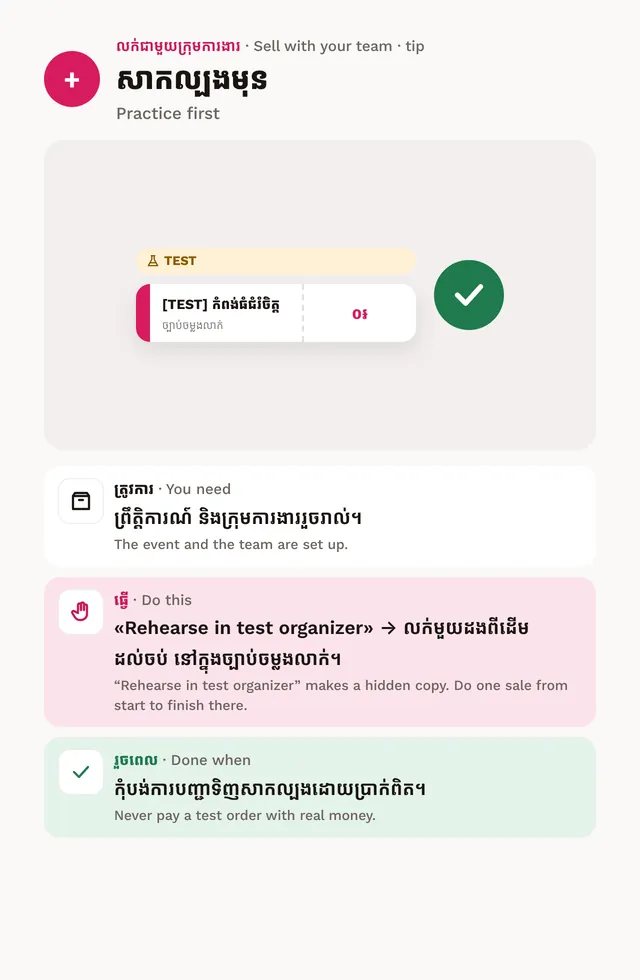
Tap Rehearse in test organizer. Sell one ticket from start to finish in the hidden copy. Never pay a test order with real money.
For sellers
Sellers see their own Ready to sell list in Box office: selling access, an event to sell, KHQR, cash shift and printer.